Getting Started
Installation
oersted is typically used via the Python interface. This can be installed into your Python environment via pip:
pip install oersted
oersted is meant to be used as a standalone solver. However, if meshing and visualization capabilities are needed, it is recommended to install with the optional dependencies:
pip install oersted[mesh]
These optional capabilities are used throughout this tutorial.
oersted can also be used as a Rust library:
cargo add oersted
Basic Usage
oersted calculates magnetic fields at arbitrary points in space, using finite element meshes as sources. Typically, the mesh will be derived from an electric conduction analysis, so each element will have a current density vector associated with it.
oersted also includes a basic interface to the gmsh Python API to mesh parts directly:
import oersted

mesh_size: float = 0.010    # (m)
mesh = oersted.Mesh.from_step("solenoid-short.stp", mesh_size)
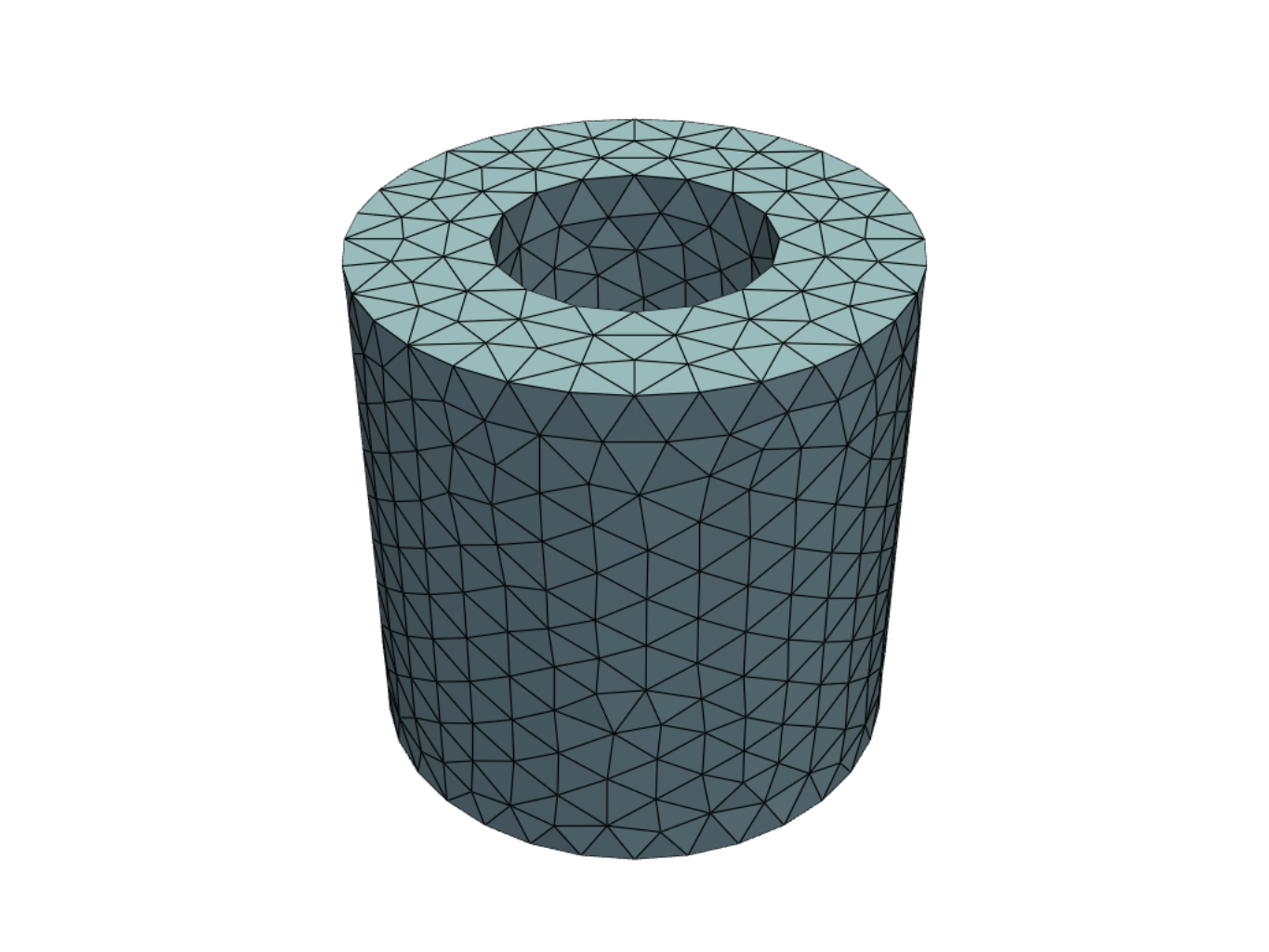
The mesh can be visualized:
mesh.plot()
which produces a plot like this:
Let's say we had a uniform circumferential current running along the windings of our solenoid, and wanted to visualize the magnetic field around it. We already have a discretized model of the solenoid geometry (the mesh), and now we need the electrical currents and the output points for the solver.
First, create the current density in the windings:
import numpy as np

j_density_magnitude = 1e8 # (A/m2)

# We're creating an (N,3) array of the
# current density vector (Jx, Jy, Jz) at each element
j_density = np.zeros((mesh.num_elems, 3))
phi = np.atan2(helmholtz_mesh.centroids[:, 1], helmholtz_mesh.centroids[:, 0])
j_density[:, 0] = -j_density_magnitude * np.sin(phi)
j_density[:, 1] = j_density_magnitude * np.cos(phi)
Then, create the output points:
x = np.linspace(-0.1, 0.1, 100)
z = np.linspace(-0.5, 0.5, 100)
X, Z = np.meshgrid(x,z)
n = X.shape[0]

# This is another (N,3) array of the output point (x,y,z) coordinates
targets = np.vstack(X, np.array(n, 0.0), Z).T
Solve using the "fast" solver, which uses exact tetrahedral integration for near field and a "point" approximation for far-field:
solver = oersted.OctreeSolver()
b = oersted.b_field(mesh, j_density, targets, solver=solver)
The fields in the solenoid look like this:
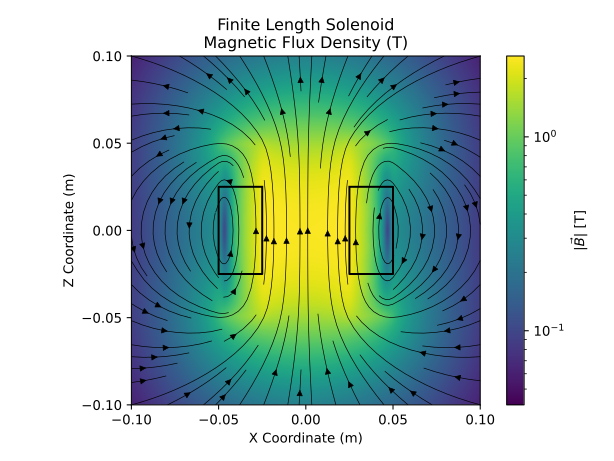
(the plotting code is a bit lengthy, so it is excluded here)
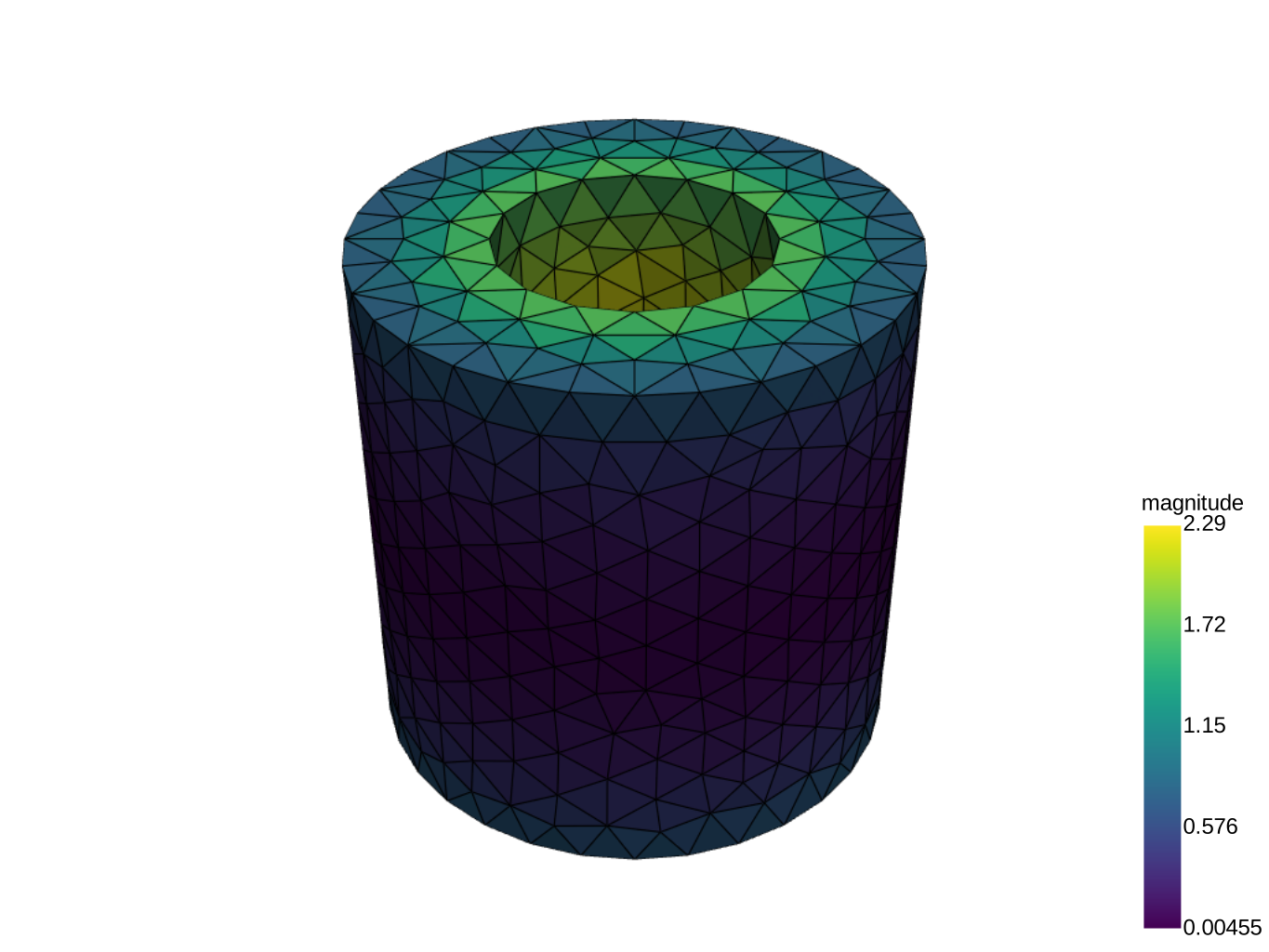
and in 3D:
b = oersted.b_field(mesh, j_density, mesh.centroids, solver=solver)
bmag = np.linalg.norm(b, axis=1)
oersted.plot_mesh(
    mesh,
    filename = "solenoid-fields-3d.svg",
    scalars=bmag,
    centroids=mesh.centroids,
    vectors=b
)